Research, devlogs, and experiments we document along the way.
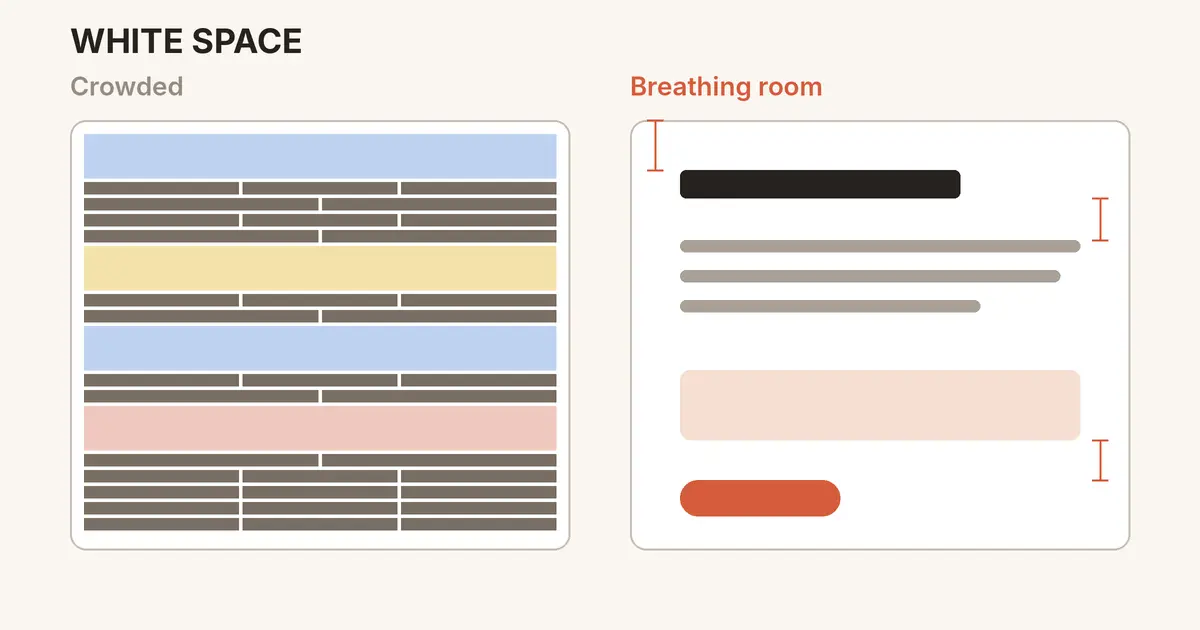
Discover why white space makes designs clearer and more readable, the difference between micro and macro space, and practical spacing tips you can use today.
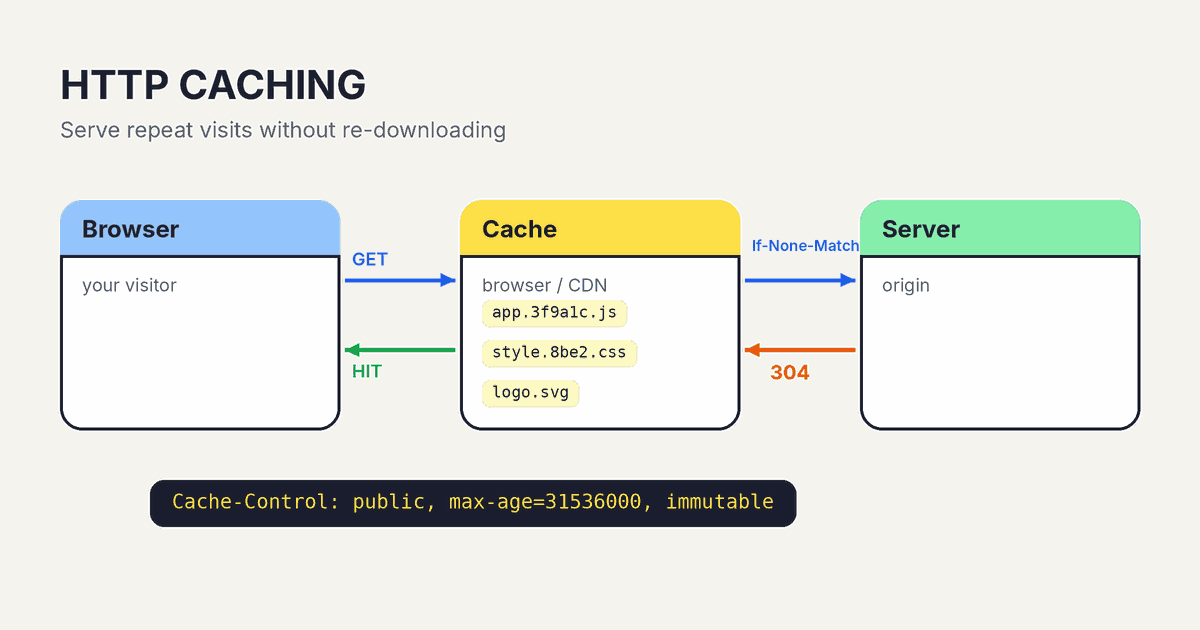
Learn how HTTP caching works, what Cache-Control, ETag, and 304 responses do, and the simple header setup that makes repeat visits to your site load fast.
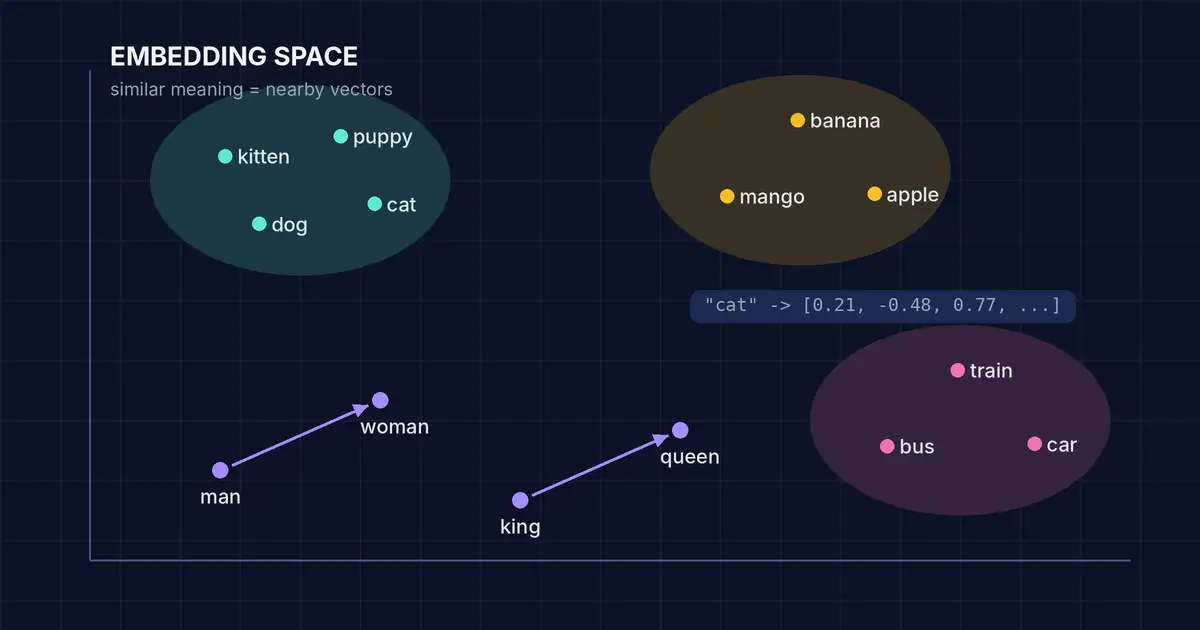
Learn what AI embeddings are, how they turn words into vectors that capture meaning, and how they power semantic search, RAG, and smart recommendations.
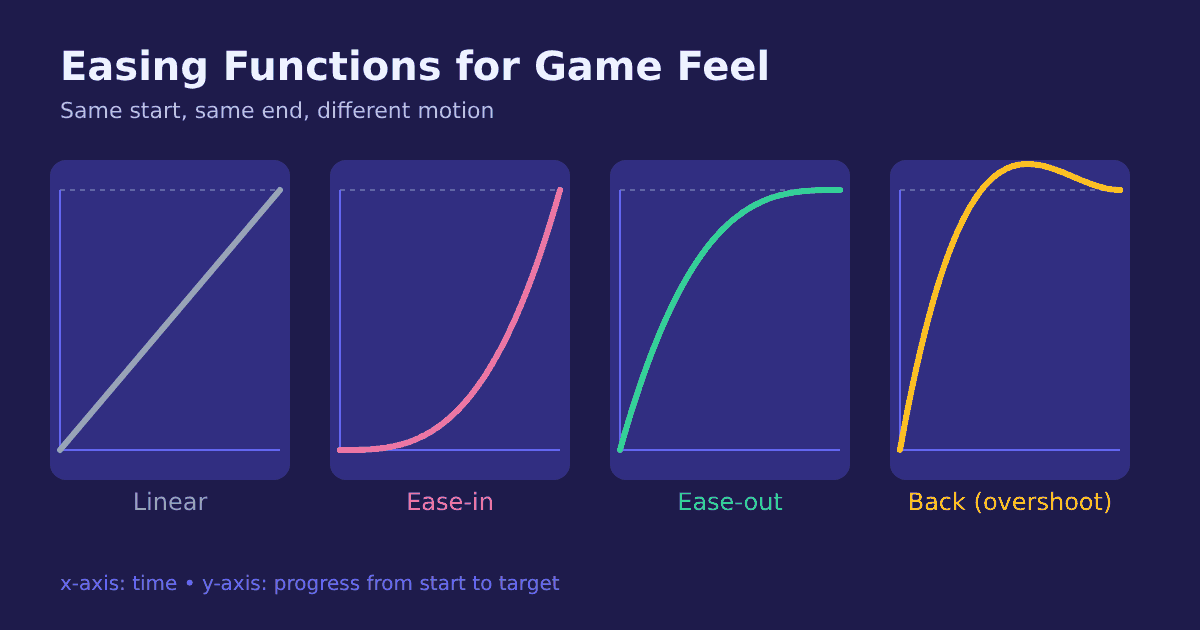
What are easing functions? Learn ease-in, ease-out, and overshoot curves, when to use each in games and UI, and how to avoid the classic frame-rate lerp bug.
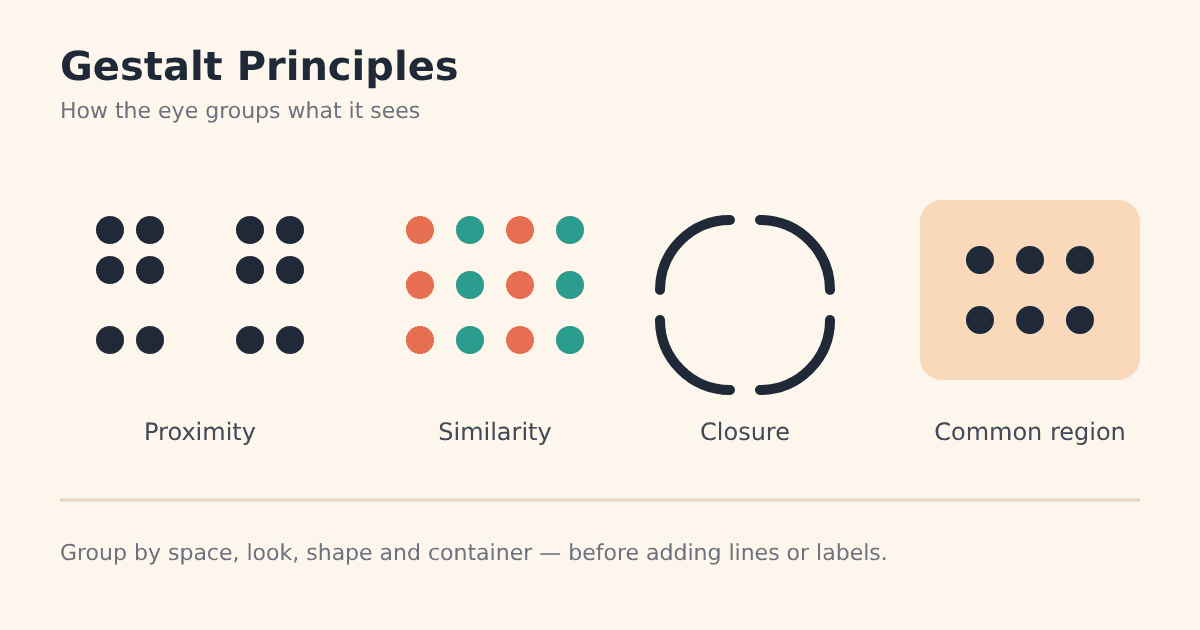
Proximity, similarity, closure, and common region explained with practical tips to make layouts, interfaces, and posters clearer without extra lines or labels.
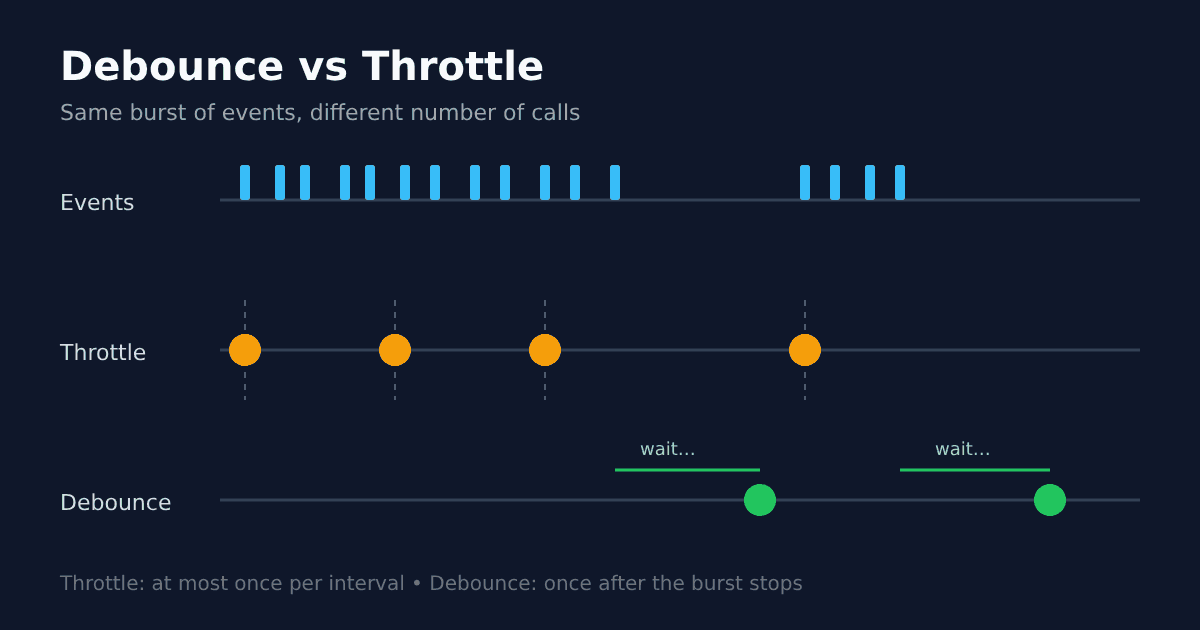
Learn the difference between debounce and throttle, when to use each for search, scroll, and resize, and how a few lines of JavaScript keep your UI responsive.
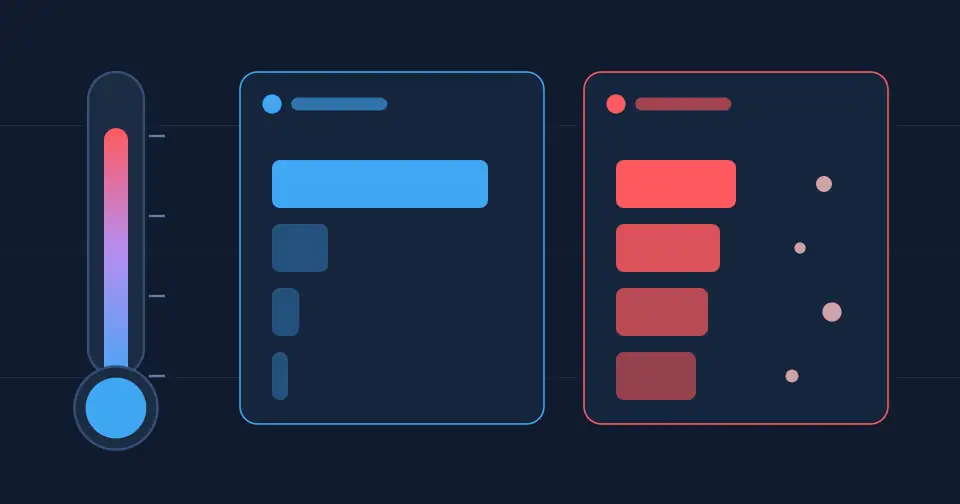
What does temperature do in AI models? Learn how it changes randomness, how it differs from top-p, and which settings work best for code, facts, and writing.
Coyote time and input buffering make platformer jumps feel fair. Learn how these hidden game feel tricks work, ideal timing values, and how to code them.
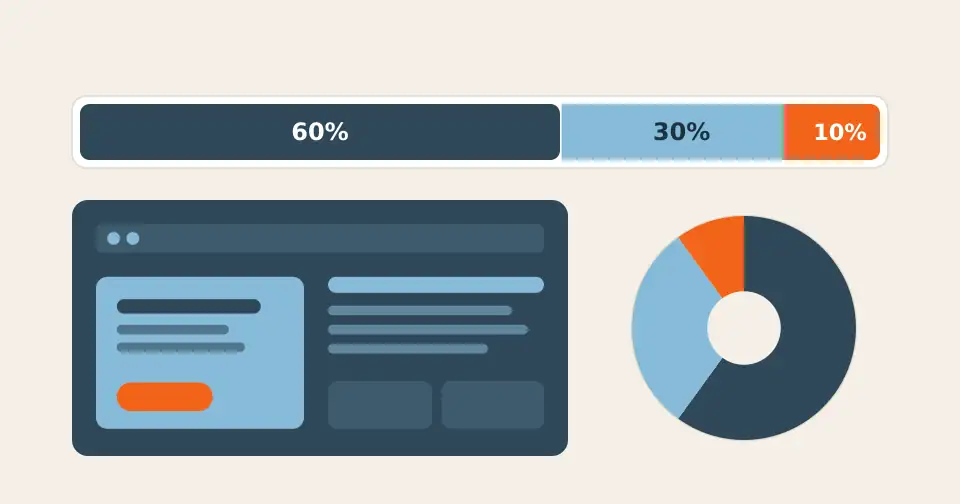
The 60-30-10 color rule splits a palette into dominant, secondary, and accent colors. Learn how to apply it to websites, UI, and graphics with practical tips.
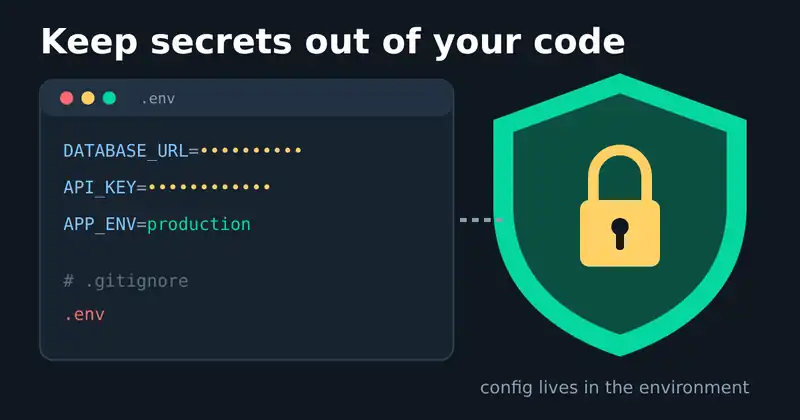
Hardcoded API keys leak fast. Learn how environment variables, .env files, secret scanning, and key rotation keep credentials out of your code and Git history.
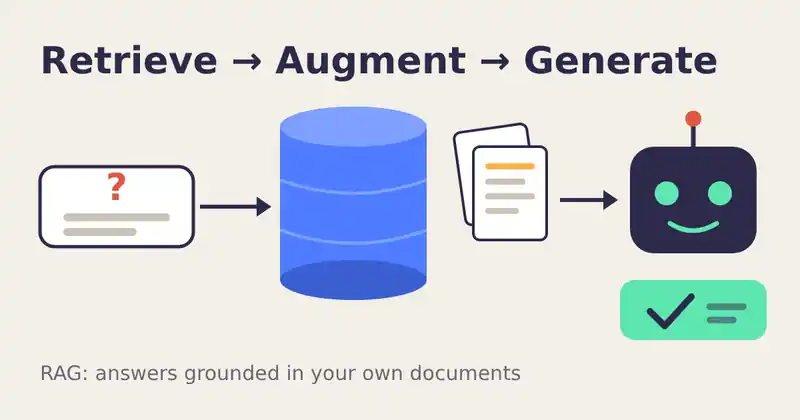
What is RAG? Learn how retrieval-augmented generation lets AI answer from your own documents, reduces hallucinations, and how to build a reliable RAG system.
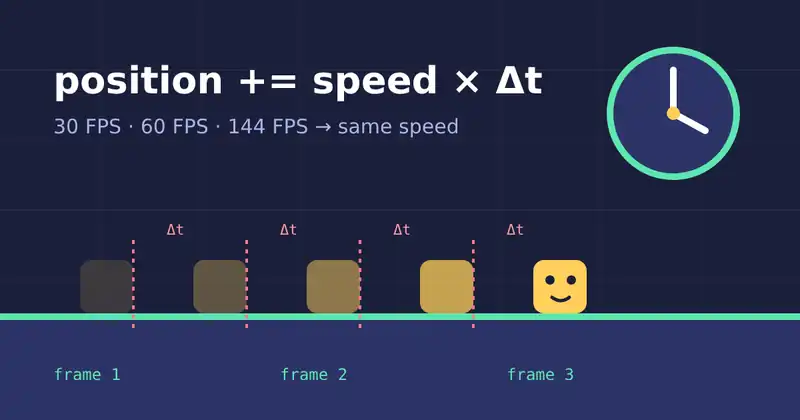
Learn how delta time and fixed timesteps keep game movement and physics consistent at 30, 60, or 144 FPS, with practical tips for Unity and Godot developers.
Master visual composition with the rule of thirds, leading lines, negative space, and balance. Practical tips for designers, illustrators, and game artists.
What do the numbers in 2.4.1 mean? A clear guide to Semantic Versioning: MAJOR, MINOR, PATCH, pre-releases, npm ranges, and tips for versioning your own apps.
Why do AI chatbots state false facts so confidently? Learn what AI hallucinations are, why they happen, and seven practical ways to spot and reduce them.
Practical font pairing tips: limit your typefaces, pair contrast with harmony, match x-heights, use superfamilies, and set readable line length and spacing.
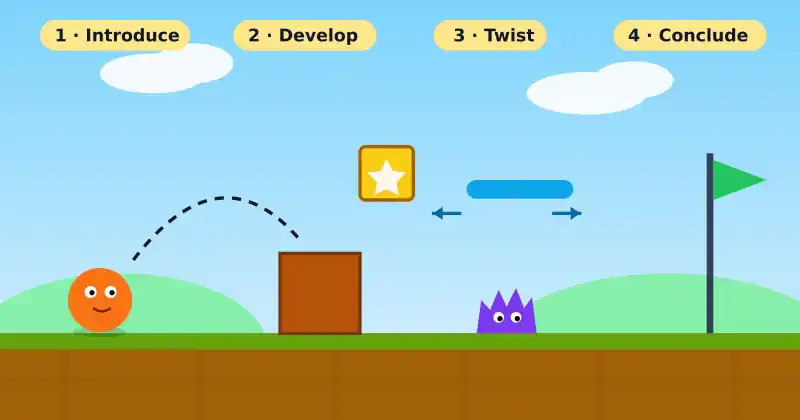
How great games teach without tutorials: lessons from World 1-1, the four-step level structure, safe practice spaces, and visual signposts any designer can use.
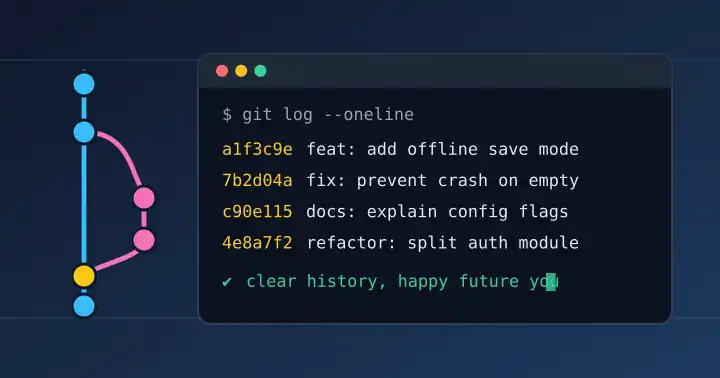
Learn to write clear Git commit messages: the 50/72 rule, imperative mood, Conventional Commits, and simple habits that keep your project history readable.
Seven practical playtesting tips for indie developers: test early, stay silent, use think-aloud, watch behavior over opinions, and fix what matters most.
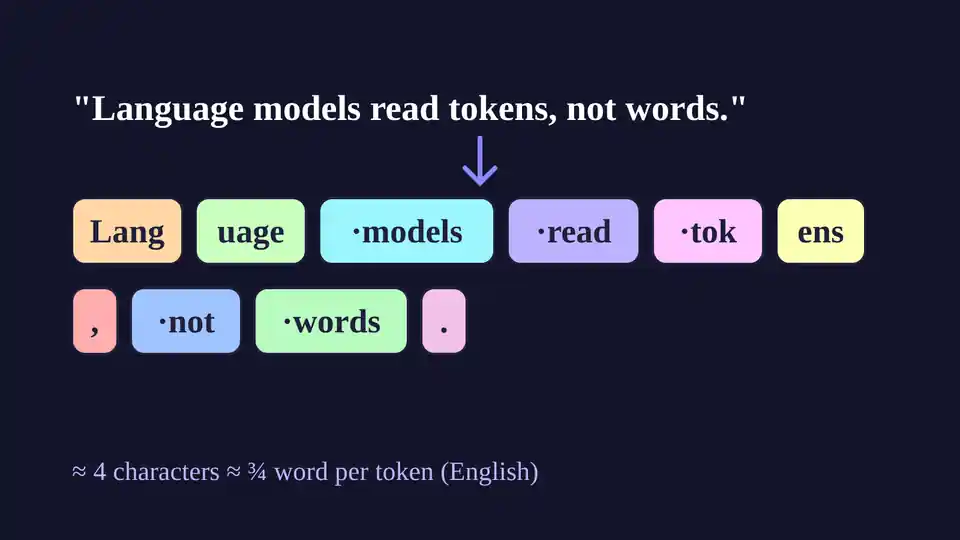
What a token is, why 1 token is roughly 4 characters of English, how context windows and pricing depend on it, and tips to use fewer tokens in prompts.
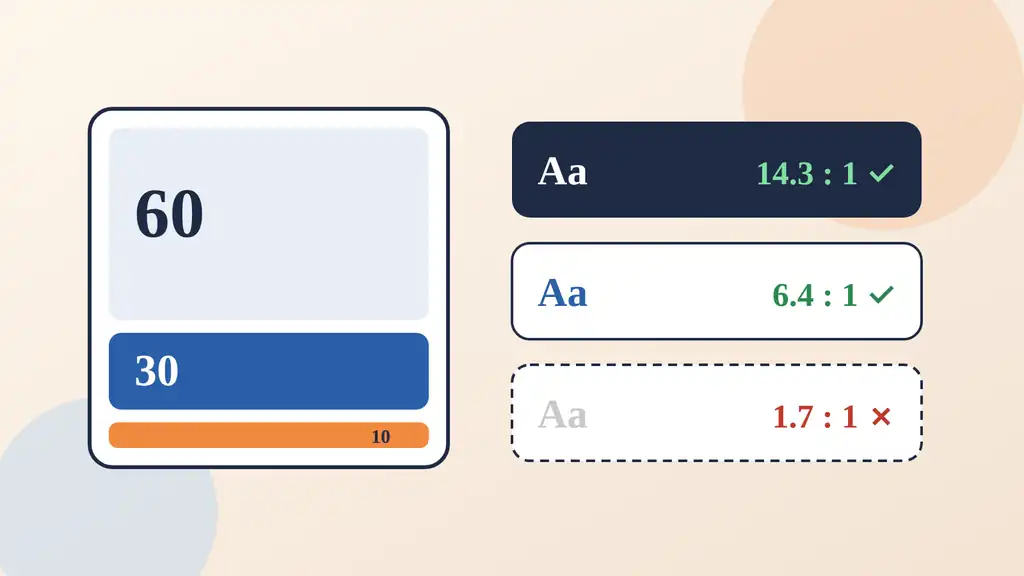
Learn the WCAG contrast ratios, the 60-30-10 rule, and simple tests that keep your designs readable for everyone, including people with color blindness.
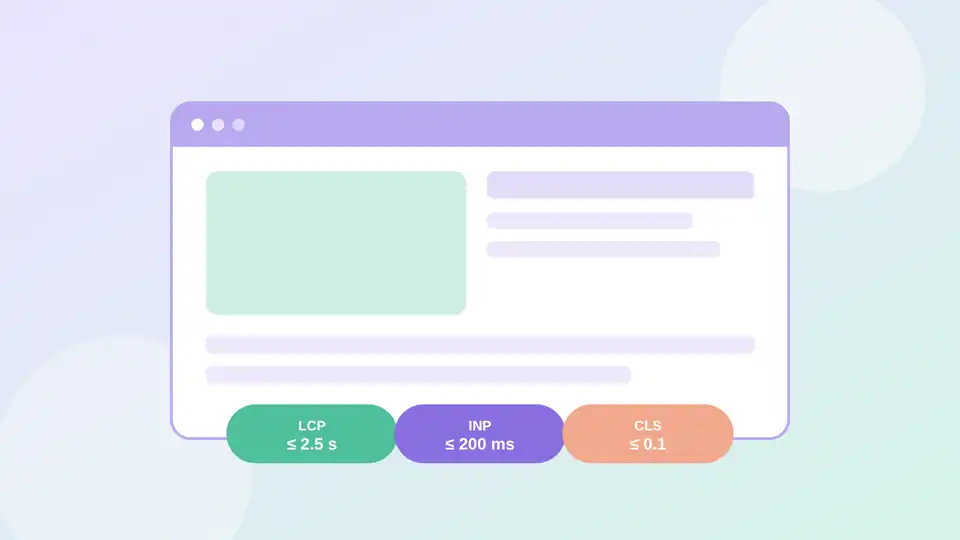
LCP, INP, and CLS explained without jargon, with the thresholds Google treats as good and practical fixes you can ship this week.
Five habits that turn vague AI requests into useful, reliable output, with before-and-after prompts you can copy.
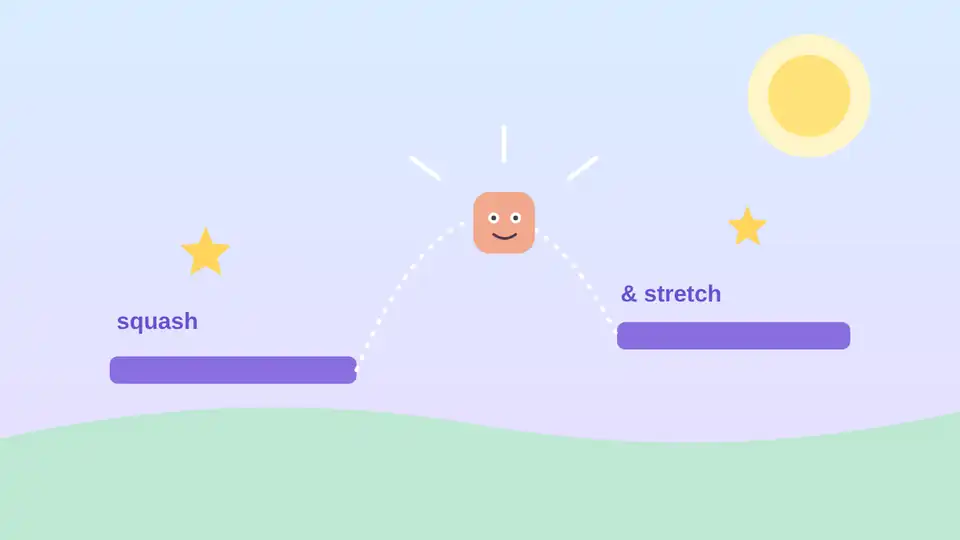
Hit stop, coyote time, input buffering, and squash and stretch: practical tricks indie developers use to make controls feel great.
How we made the 3D lump on our homepage feel soft enough to squeeze.
Notes from week one of making islands wobble without making players dizzy.
Why we prefer narrow agents with one clear job over do-everything assistants.