Playtesting Tips: Get Honest Feedback on Your Game
Seven practical playtesting tips for indie developers: test early, stay silent, use think-aloud, watch behavior over opinions, and fix what matters most.
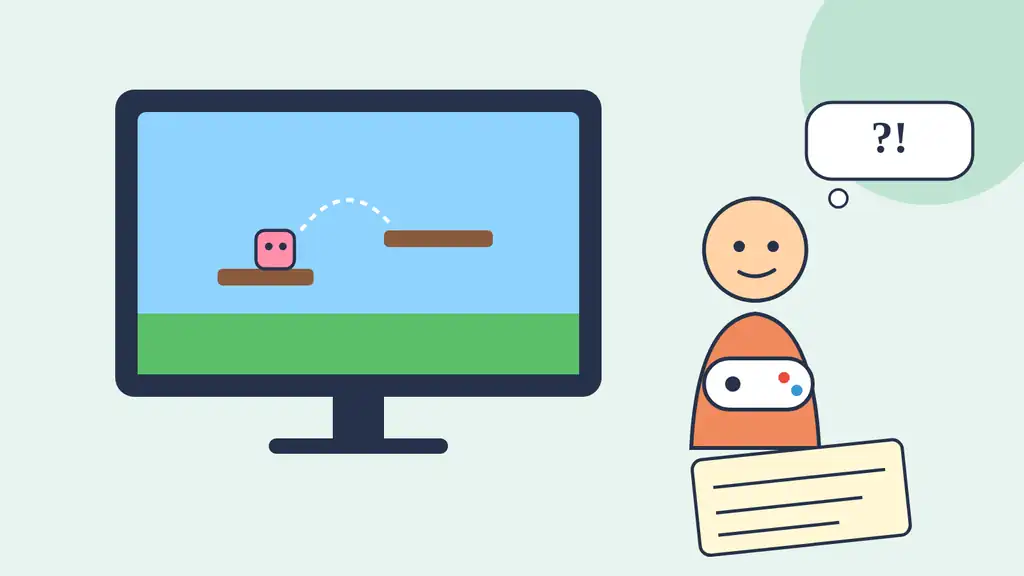
You know your game too well. You know where the secret door is, which button dodges, and why the second level is "obviously" easy. Playtesting is how you borrow fresh eyes and find out what the game really feels like to someone who has never seen it. Here are seven practical tips to make every session count.
1. Test early, even with grey boxes
You do not need final art to run a playtest. A rough prototype built from simple shapes can already show whether the core loop is fun. Problems found early are cheap to fix; problems found a week before launch are not.
2. Test small, test often
Usability research from Nielsen Norman Group shows that testing with around five users uncovers most usability problems in a design, and that several small rounds beat one big study. Games are not websites, but the lesson carries over: run a few sessions, fix what you learn, then test again.
3. Stay quiet and do not help
This is the hardest rule. When a player gets stuck, resist the urge to explain. Your silence shows exactly where the game fails to teach. Players at home will not have you sitting next to them.
4. Ask players to think aloud
Invite testers to say what they see, expect, and want while they play. The think-aloud method is one of the most valuable tools in user research because it reveals intentions, not just actions. For background on the technique, see this overview of the think-aloud protocol.
5. Watch behavior over opinions
What players do is more reliable than what they say. Someone may call a level "fine" after failing it eight times. Note where they hesitate, where they fail, what they ignore, and when they look away from the screen.
What to write down
Moments of confusion or hesitation
Repeated failures at the same spot
Features or hints that nobody notices
The point where players stop smiling or reach for their phone
6. Ask open questions after the session
Save your questions for the end and keep them open: "What was the game asking you to do?" or "What was the most frustrating moment?" Avoid leading questions such as "Did you like the jump?", which invite polite answers. Nielsen Norman Group's introduction to usability testing is a good primer on running sessions well.
7. Prioritize, then fix
Not every note deserves a change. Group your findings by how often they happened and how much they hurt the experience, and fix the issues that several players hit first. When you are ready for a wider audience, tools like Steam Playtest let you invite players to a separate test build of your game.
A playtest is not a test of the player. It is a test of how well the game explains itself.
Keep exploring
Playtests often reveal that controls feel a little off. Our article on game feel and the small effects that make a game satisfying shows how to fix that, and the Mochi Island devlog shares how we iterate on our own game. Find more on Ryuartistry.