Game feel: the small effects that make a game satisfying to play
Hit stop, coyote time, input buffering, and squash and stretch: practical tricks indie developers use to make controls feel great.
Two games can have the same rules and the same art, yet one feels crisp and the other feels flat. The difference is usually game feel, often called "juice": small bits of feedback that make every action feel like it matters. The good news is that most of it is cheap to add.
1. Hit stop
When an attack lands, freeze the game for a split second, often somewhere around 50 to 100 milliseconds. This tiny pause gives the hit weight. Pair it with a brief flash on the target and the strike suddenly feels powerful.
2. Screen shake, used sparingly
A short, small shake sells explosions and heavy landings. Too much becomes noise and can cause discomfort, so keep the amplitude low, let it fade quickly, and offer an option to reduce or disable it.
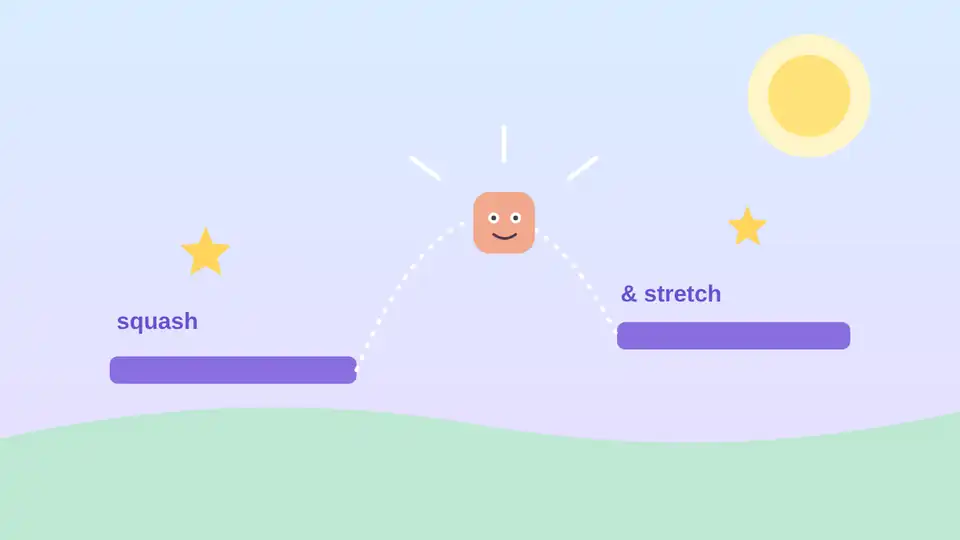
3. Squash and stretch
Borrowed from classic animation: stretch a character slightly as it jumps and squash it on landing. Even a few percent of scale change makes movement feel elastic and alive without extra art.
4. Coyote time
Named after the cartoon character who runs off a cliff and hangs in the air, coyote time lets players still jump for a brief moment after leaving a ledge. Many platformers use a window of roughly 80 to 150 milliseconds. Players rarely notice it, but they notice its absence as "the game ate my jump."
5. Input buffering
If the player presses jump a fraction of a second before landing, remember the press and execute it on touchdown. A buffer of around 100 milliseconds makes controls feel responsive and forgiving instead of strict.
6. Sound and particles
Sound is half of feel. Add a short sound for every important action, vary pitch slightly so repeats do not become tiresome, and use a few particles for dust, sparks, or pickups.
How to tune it
Add one effect at a time and toggle it on and off to see whether it really helps.
Expose values such as pause length and buffer time in a settings file so you can adjust them while playing.
Ask someone new to play. Fresh hands reveal controls that feel unfair.
The goal is not more effects. The goal is that every action answers the player clearly.
Start with hit stop, coyote time, and input buffering. They cost little, and players will feel the difference right away.